
Stop thinking that you need a $1,000 Direct Drive base to be fast.
It’s a common misconception in the sim racing community: drivers believe that throwing money at expensive hardware will instantly drop their lap times. As an engineer, I look at the data, and the telemetry tells a different story. Consistency comes from comfort, precision, and immersion, not just raw force feedback power.
In real motorsport, from F4 to F1, we often use simple, low-cost solutions to solve complex cockpit problems. A strip of grip tape on a steering wheel or a strategic velcro strap for cable management can be the difference between a clean lap and a DNF (Did Not Finish).
In this Engineer’s Kit, I have compiled the top 10 essential upgrades for your rig that cost less than $50. These aren’t just «accessories»; they are technical solutions designed to improve your ergonomics, optimize your inputs, and ultimately, make you a more consistent driver without breaking the bank.
Let’s optimize your cockpit.
The Engineering Checklist: Essential Low-Cost Upgrades
1. DULFINE Flex Grip Mechanic Work Gloves
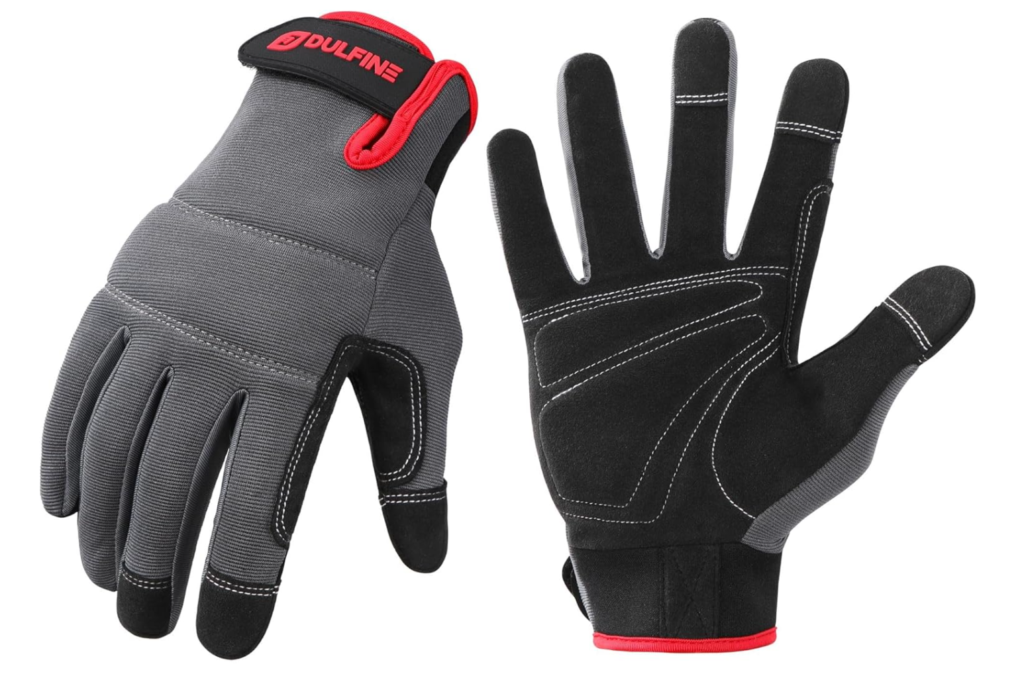
- Why an Engineer recommends it: «In endurance racing, grip consistency is non-negotiable. Sweat and oils from your hands act as a lubricant, reducing your tactile connection to the wheel and degrading materials like leather or Alcantara over time. These gloves ensure a constant friction coefficient between your hands and the rim, while protecting your hardware investment from long-term wear.»
- The Technical Edge: The DULFINE Flex Grip gloves feature a touch-screen compatible surface, allowing you to adjust your dash displays or settings mid-race without removing them. Their breathable design and excellent grip make them ideal for maintaining precision during intense sessions.
2. ATHMILE Quick-Dry Water Shoes (Aqua Socks)
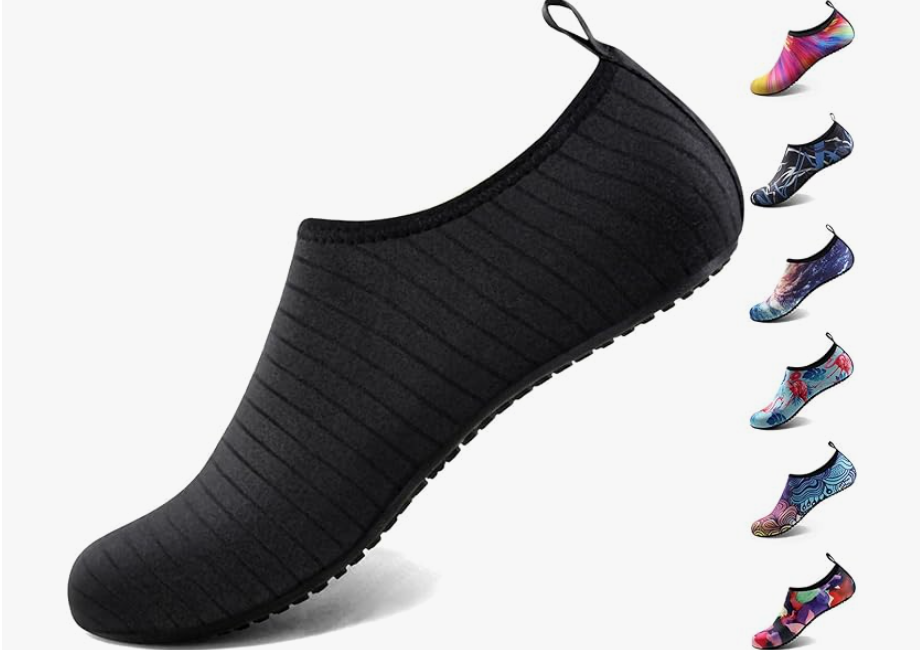
- Why an Engineer recommends it: «The thick rubber soles of standard sneakers act as a damper, filtering out the subtle vibrations and force feedback from your pedals. To modulate brake pressure accurately—especially with Load Cell pedals—you need proprioception (direct feel). These shoes provide a thin, flexible barrier that mimics professional racing boots, giving you 1:1 input sensitivity for a fraction of the price.»
- The Technical Edge: The textured rubber sole prevents slipping on metal pedal faces, while the breathable fabric keeps your feet cool during endurance stints. Zero weight, maximum sensitivity.
3. ACER 4-Port USB 3.0 Data Hub
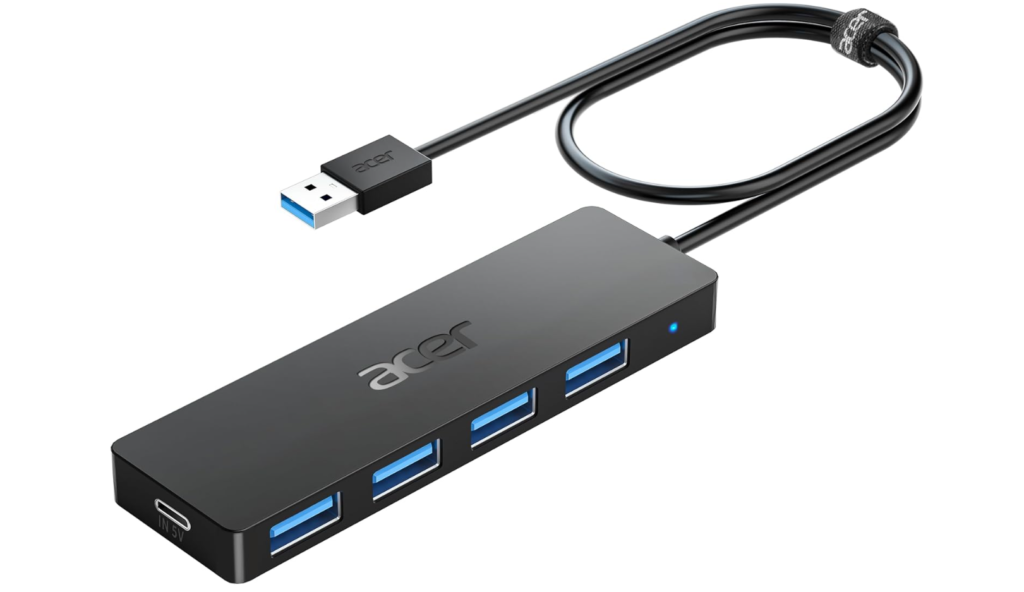
- Why an Engineer recommends it: «Latency and signal dropouts are the enemies of precision. As you add gear (shifter, handbrake, pedals), your PC’s motherboard ports can become overloaded or hard to reach. An external, powered hub ensures stable voltage delivery to your peripherals.»
- The Technical Edge: Features individual power switches for each port. This allows you to ‘hard reset’ a specific device without unplugging it or rebooting the entire system—a critical troubleshooting feature for any sim rig.
4. VELCRO Reusable Fastening Cable Ties
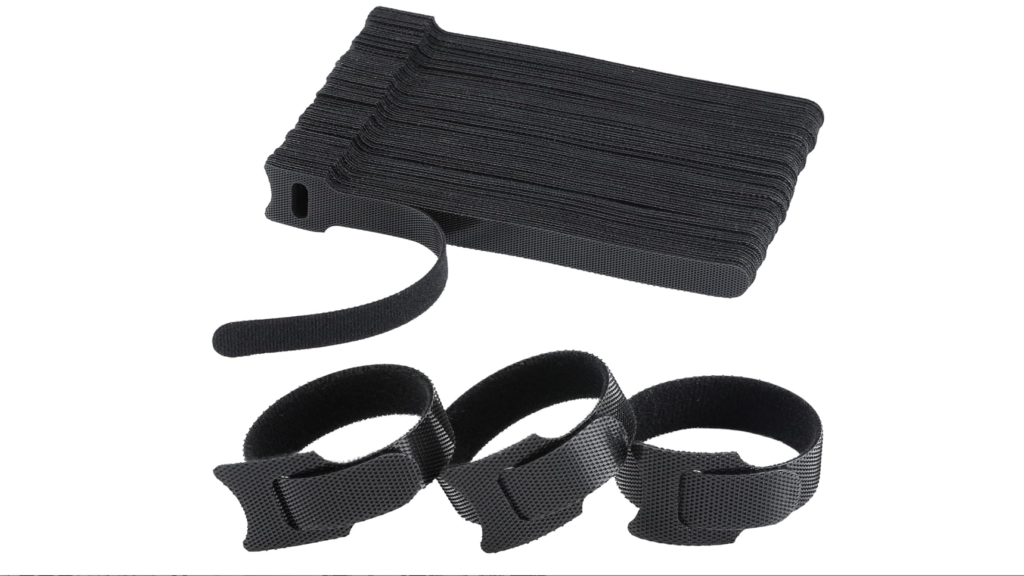
- Why an Engineer recommends it: «A messy rig is a dangerous rig. Loose cables near pedal shafts or steering columns can snag, causing catastrophic hardware failure mid-race. Beyond safety, keeping power cables separated from data (USB) cables reduces Electromagnetic Interference (EMI), which can cause ‘ghost inputs’ on sensitive equipment.»
- The Technical Edge: Unlike plastic zip-ties, these velcro straps are reusable and soft, meaning they won’t cut into the insulation of your expensive Fanatec or Logitech wiring harness when tightened.
5. GRIP Tennis Racket Tape
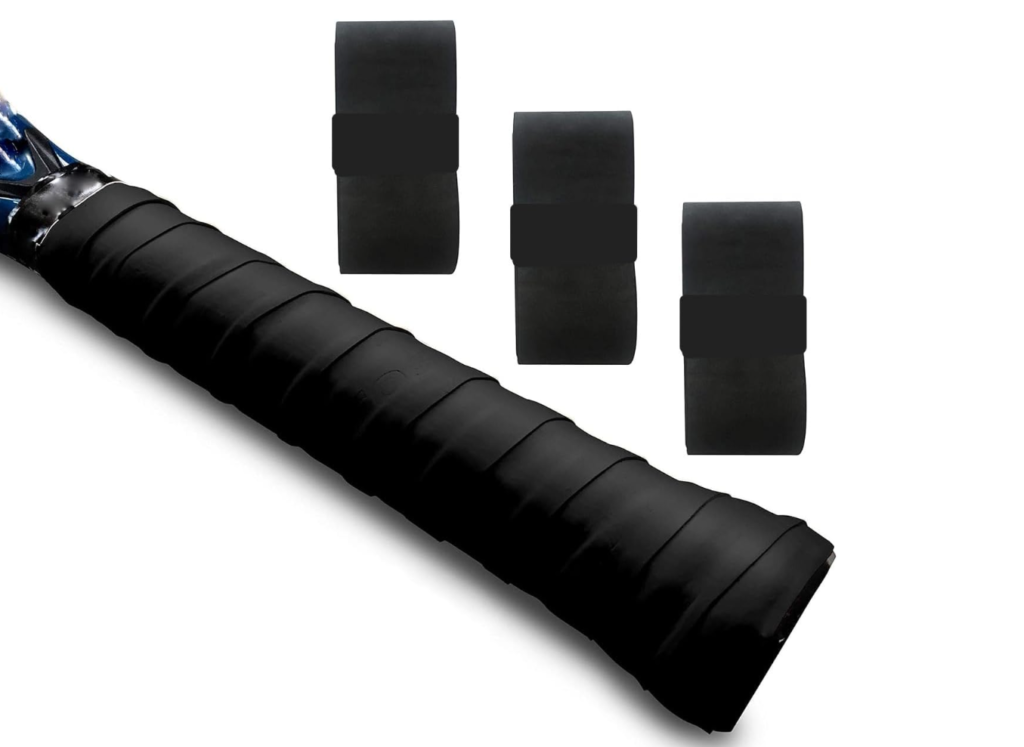
- Why an Engineer recommends it: «Entry-level wheels often use hard plastic or rubber that becomes slippery with sweat. Instead of buying a new wheel, wrap the rim in high-performance tennis grip tape. It increases the rim’s thickness for better ergonomics and provides a tacky surface that reduces the grip strength required to hold the wheel.»
- The Technical Edge: The absorbent material wicks away moisture instantly, ensuring your friction coefficient remains constant even on lap 50 of a race.
6. LAMICALL Cell Phone Stand
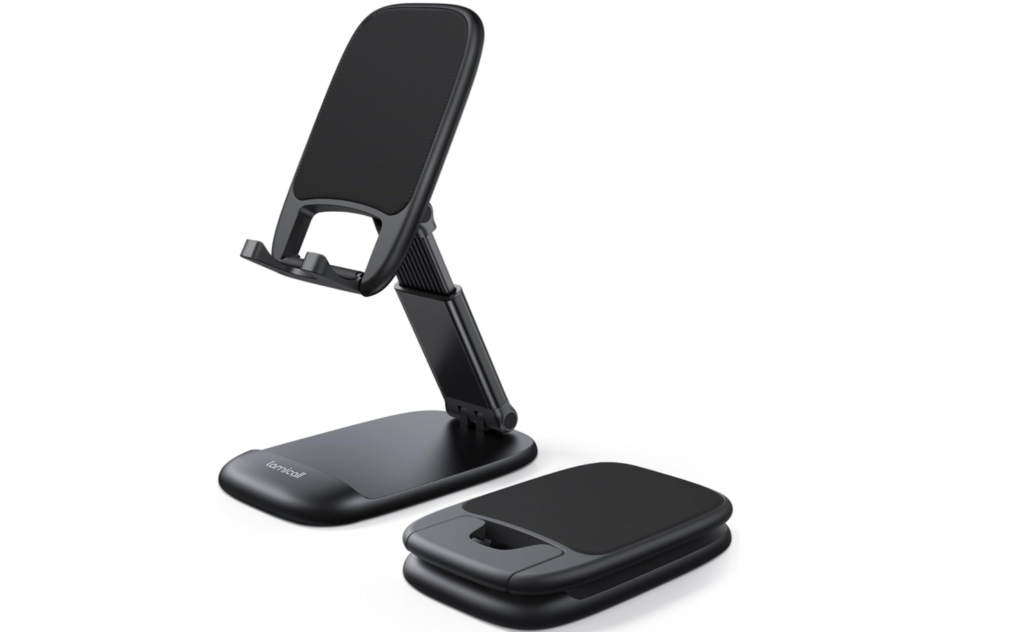
- Why an Engineer recommends it: «Information is power. In a cockpit, you don’t want to clutter your main screen with UI elements like track maps or tire temperatures. Using a dedicated stand for your smartphone allows you to run telemetry apps (like SimHub or JRT) as a secondary ‘Dash Display’, just like in a real GT3 car.»
- The Technical Edge: By moving the HUD (Heads-Up Display) to a physical phone stand, you clear your primary field of view, allowing for better focus on apexes and braking markers.
7. LOGITECH K400 Plus Wireless Touch Keyboard
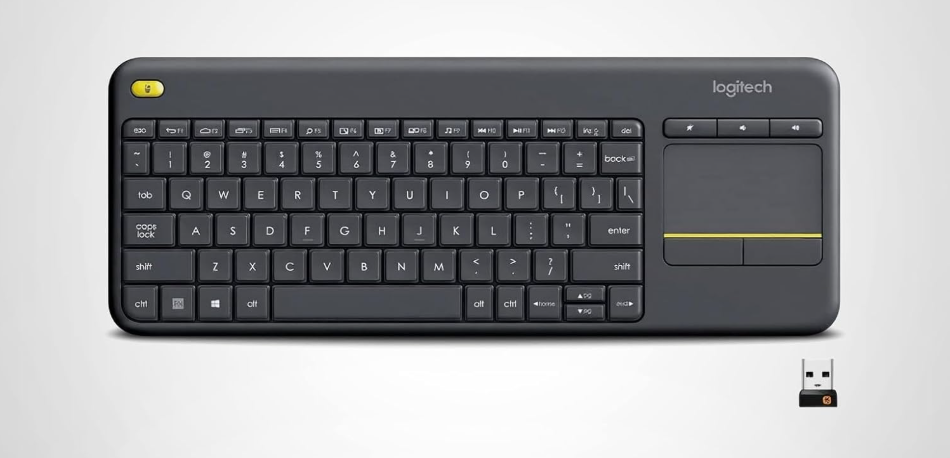
- Why an Engineer recommends it: «Efficiency in the garage is as important as speed on the track. Fumbling for a mouse while strapped into a racing seat is a waste of energy. A compact, all-in-one wireless keyboard with a touchpad allows you to navigate Windows, adjust FOV settings, or chat in the lobby without leaving your driving position.»
- The Technical Edge: The 10-meter range ensures that even if your PC is tucked away in a corner to reduce fan noise, your control inputs remain snappy and reliable.
8. USB Desk Fan
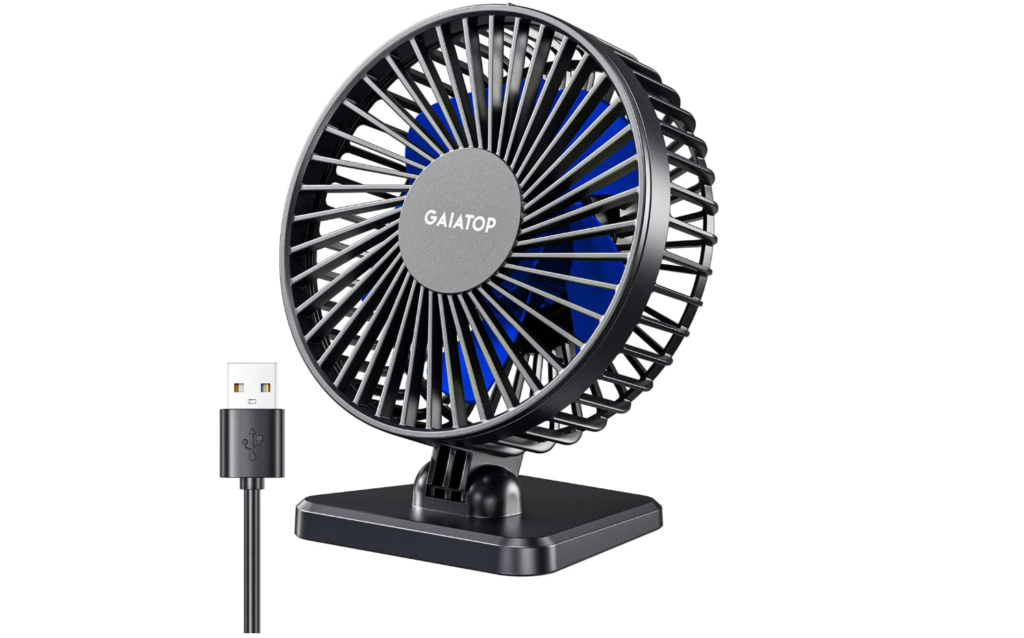
- Why an Engineer recommends it: «Human thermal regulation is a critical factor in endurance racing. As your core temperature rises during a 60-minute stint, your cognitive load increases and reaction times drop. A small, directed airflow keeps the driver cool, maintaining peak mental performance when the tires start to go off.»
- The Technical Edge: These fans draw minimal power from your USB hub while providing enough CFM (Cubic Feet per Minute) to prevent visor fogging if you use VR.
9. GOVEE USB LED Strip Lights
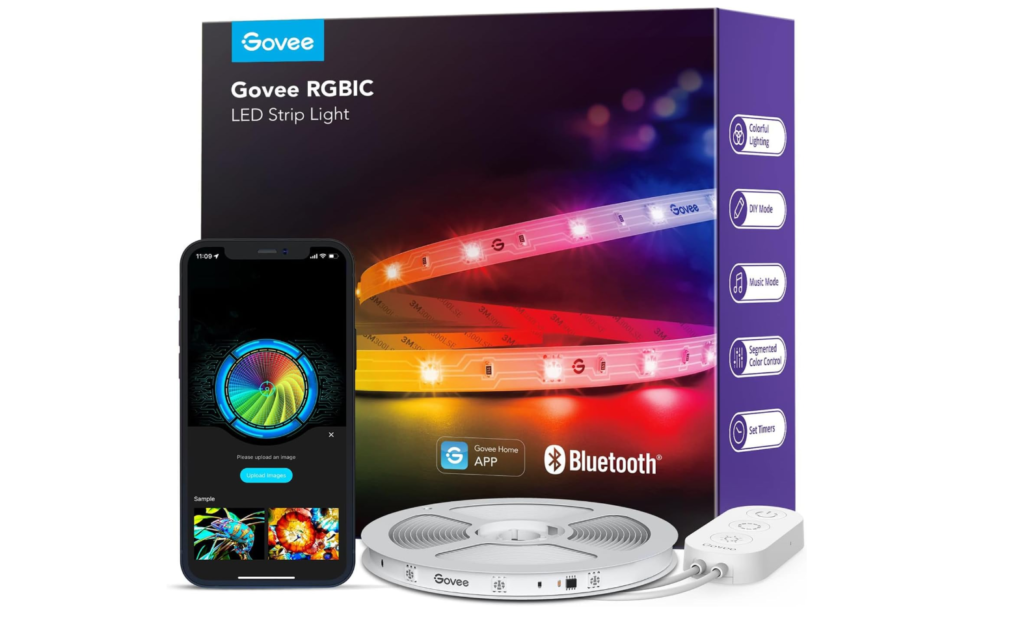
- Why an Engineer recommends it: «Eye fatigue is the silent enemy of the night racer. Staring at a bright monitor in a pitch-black room causes eye strain due to the extreme contrast. Placing a ‘bias light’ (LED strip) behind your monitor reduces the strain on your optic nerve, allowing for longer, more comfortable sessions.»
- The Technical Edge: Powered directly by your monitor’s USB port, it syncs with your rig’s power state—turning on and off automatically with your hardware.
🏆 The Engineer’s Personal Choice: Blue Light Blocking Glasses
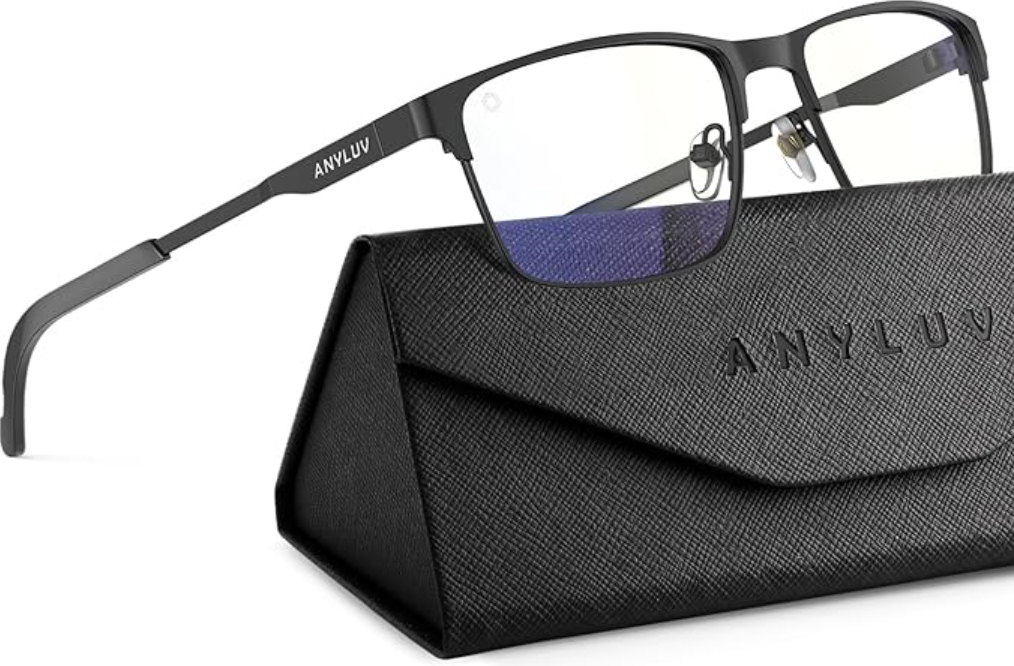
- Why I personally use them: «After years of analyzing telemetry data and staring at triple-monitor setups for hours, I realized that physical fatigue often starts with the eyes. I don’t consider these an ‘accessory’; they are a piece of protective gear, just like a HANS device or a fireproof suit in real racing. They keep my vision sharp during the final stints of a 24-hour race when every millisecond counts.»
- The Technical Edge: These glasses filter the specific 400-450nm HEV blue light wavelengths that cause digital eye strain, without sacrificing the color clarity needed to judge track surface changes or lighting cues.
The Verdict: Efficiency Wins Races
Building the ultimate sim racing simulator isn’t about having the most expensive toys; it’s about building a machine that disappears when you drive, allowing you to focus 100% on the track.
These upgrades might seem small individually, but cumulatively, they transform the driving experience. A stable pedal input from proper shoes, a grippy wheel from mechanic gloves, and a tidy rig free of cable hazards allow your brain to process racing data without distractions.
Start with these fundamentals. Your lap times—and your wallet—will thank you.
See you on the track, Nil Newey | Chief Engineer at Apex Sim Lab